> For the complete documentation index, see [llms.txt](https://help.meshzeus.com/llms.txt). Markdown versions of documentation pages are available by appending `.md` to page URLs; this page is available as [Markdown](https://help.meshzeus.com/printer/using-the-printer.md).
# Using the Printer
Using the MeshZEUS In-World 3D Printer is designed to be quick and easy, even if you have never created mesh before.
Watch tutorials if you prefer videos:
* [Tutorial 1](https://www.youtube.com/watch?v=tZWOyisLgog)
* [Tutorial 2](https://www.youtube.com/watch?v=x02iL5l7VvM)
{% stepper %}
{% step %}
### Start a New Mesh
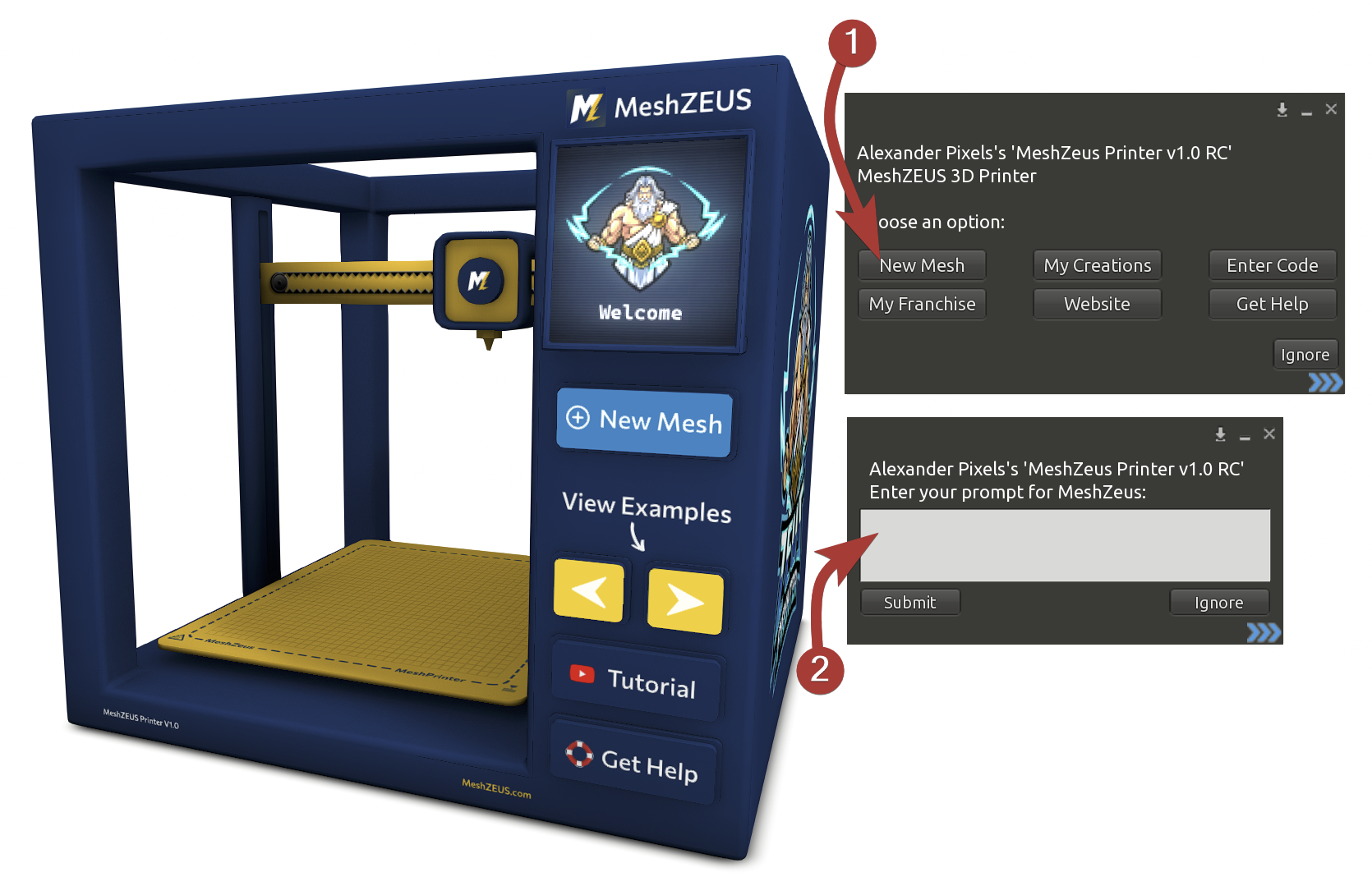
Click the **New Mesh** button on the printer and select **New Mesh** from the menu. You will be prompted to enter a text description of the object you want to create.
Try to clearly describe the shape, style, and purpose of the object. Check out our [Writing Prompts](/basics/writing-prompts.md) page for tips on writing prompts.
{% endstep %}
{% step %}
### Generate a Preview
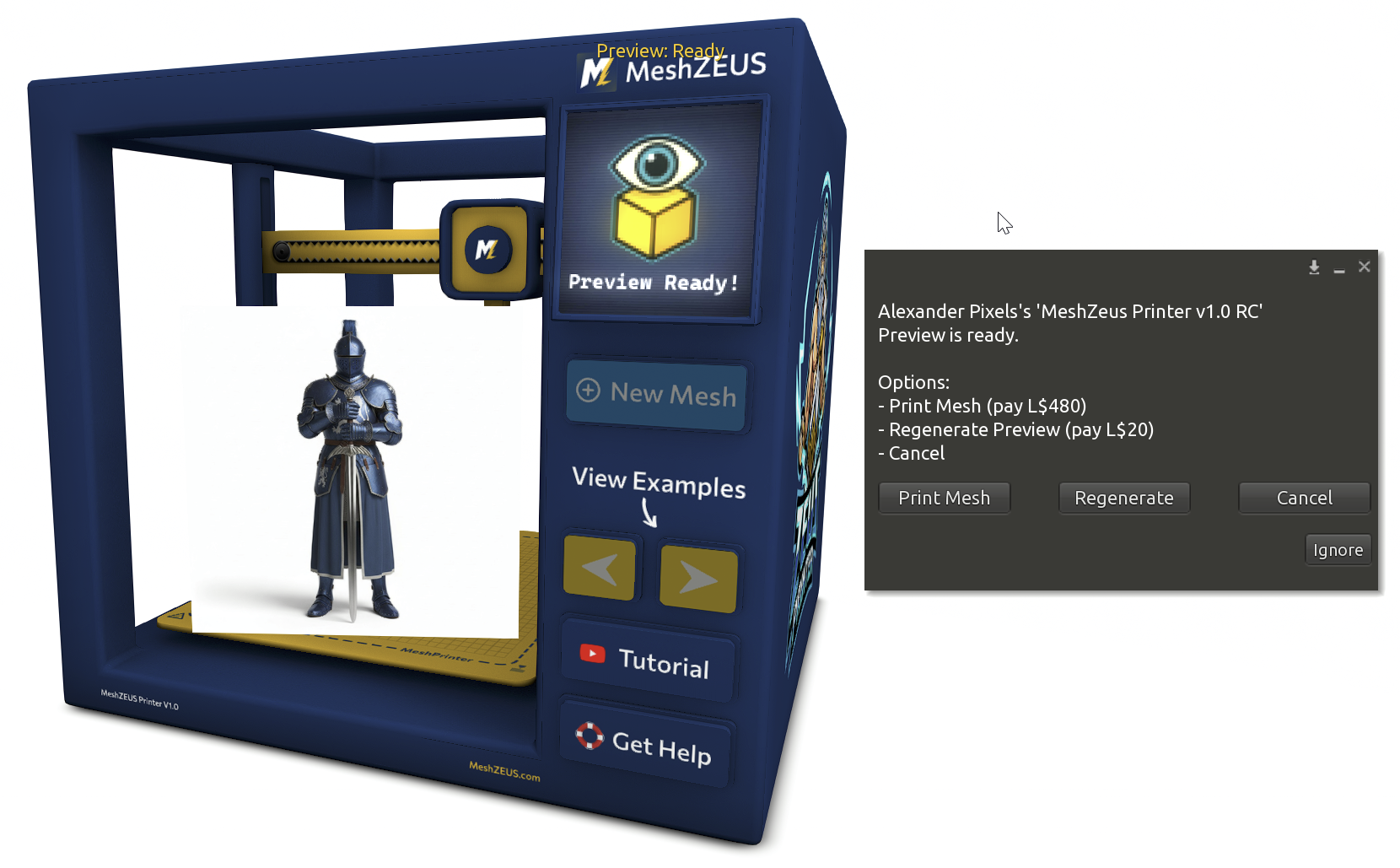
After submitting your prompt and paying L$20, the printer will generate a preview image.
The preview shows how MeshZEUS interprets your description and helps you decide whether to continue.
If you want a different result:
* Select **Regenerate**
* Pay L$20 for the additional preview
Each preview creates a slightly different variation using the same prompt.
{% endstep %}
{% step %}
### Generate the Mesh
Once you are satisfied with a preview, select **Generate Mesh** and pay L$480.
MeshZEUS will generate the 3D mesh, optimize it for Second Life, upload it, and deliver it directly to you.
No manual upload or external tools are required.
{% endstep %}
{% step %}
### Receive Your Mesh
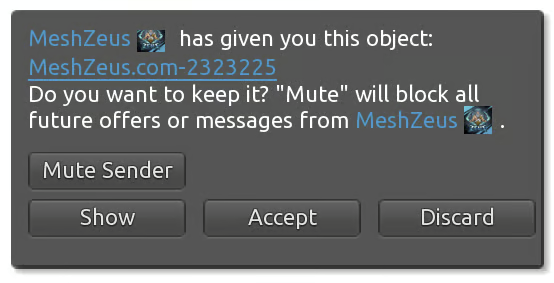
When the process is complete, your mesh will be delivered to your inventory and is ready to rez and use.
{% hint style="info" %}
All previews and creations are also saved into your [MeshZEUS account](https://meshzeus.com/home)!
{% endhint %}
Generation time may vary depending on system load.
{% endstep %}
{% endstepper %}
## Tips for Best Results
* Keep prompts clear and descriptive
* Use previews to refine your idea before generating the mesh
* If a preview is close but not perfect, try another preview instead of changing the prompt
MeshZEUS makes creating mesh simple - preview first, generate when ready.