> For the complete documentation index, see [llms.txt](https://help.meshzeus.com/llms.txt). Markdown versions of documentation pages are available by appending `.md` to page URLs; this page is available as [Markdown](https://help.meshzeus.com/printer/introduction.md).
# Introduction
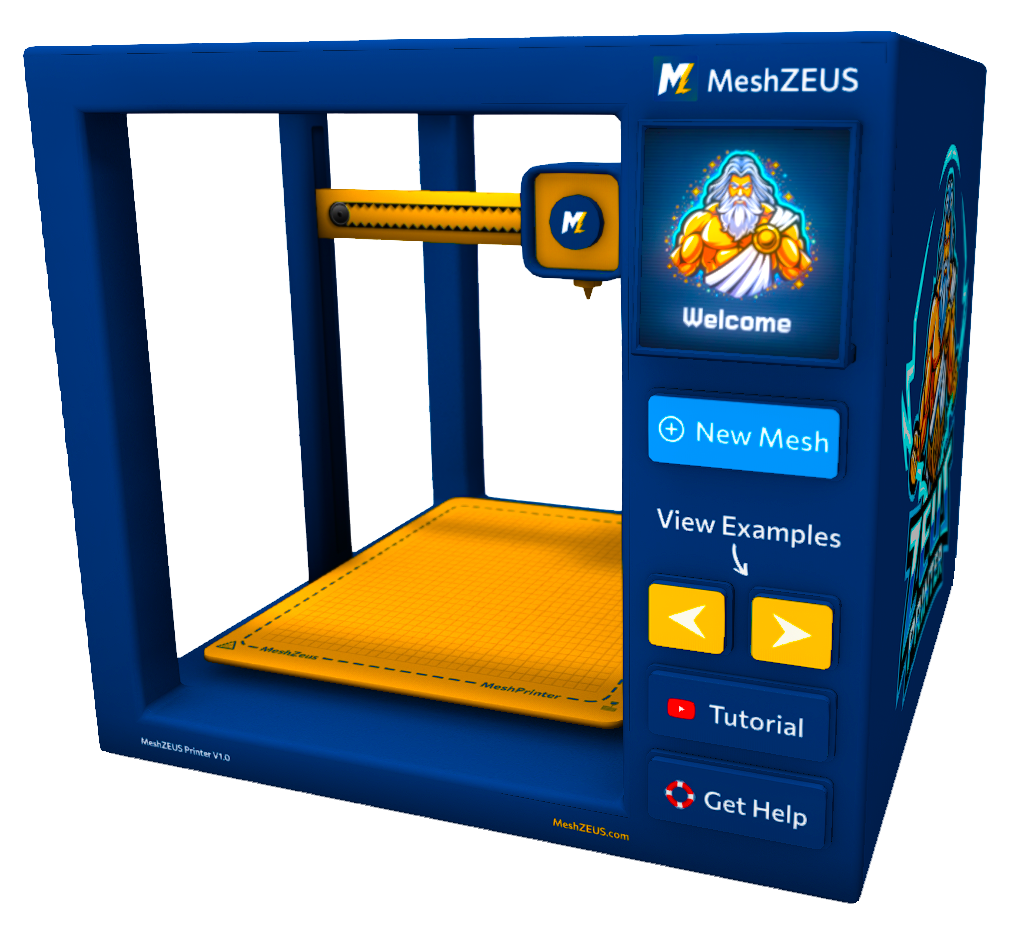
The MeshZEUS In-World 3D Printer is SecondLife's first working 3D printer and lets you create custom mesh objects directly inside Second Life.
{% columns %}
{% column width="58.333333333333336%" %}
With a simple text prompt, you can preview your idea, refine it, and generate a finished mesh without leaving Second Life. The printer handles the entire process for you - from preview generation to mesh creation, upload, and delivery.
The workflow is simple:
* Click '**New Mesh'**
* Enter a prompt
* Generate previews
* Create your final mesh and receive it in-world
Try it in SecondLife
{% endcolumn %}
{% column width="41.666666666666664%" %}
MeshZEUS 3D Printer
{% endcolumn %}
{% endcolumns %}
{% hint style="info" %}
All previews and creations are also saved into your [MeshZEUS account](https://meshzeus.com/home)!
{% endhint %}
Use previews to explore different variations at low cost, then generate the mesh when you are happy with the result. MeshZEUS takes care of the rest, so you can focus on creating.
### Tutorial Video
TLDR? View our tutorial video:
{% embed url="" %}
Let Quincy explain the full process from prompt to print!
{% embed url="" %}